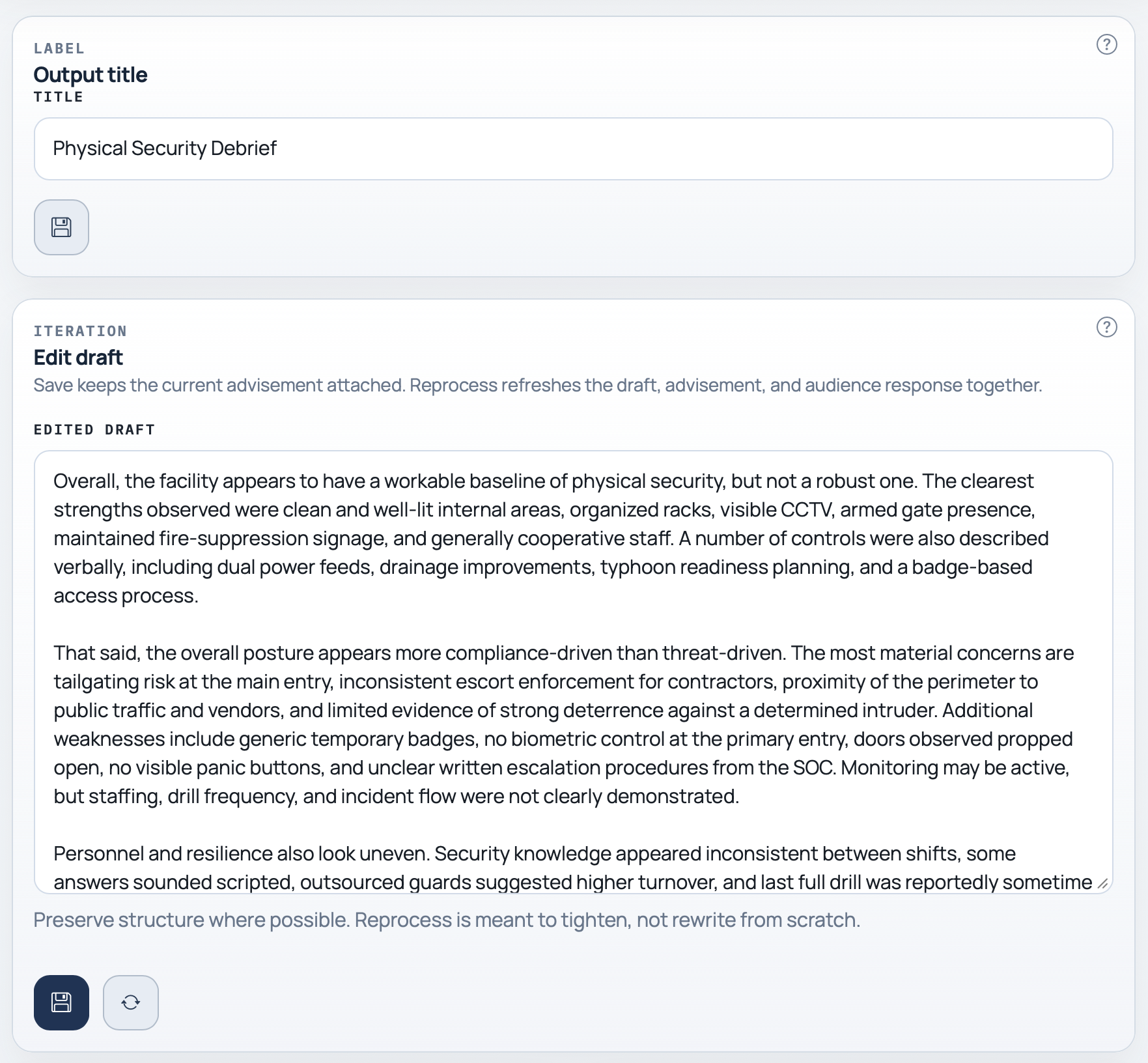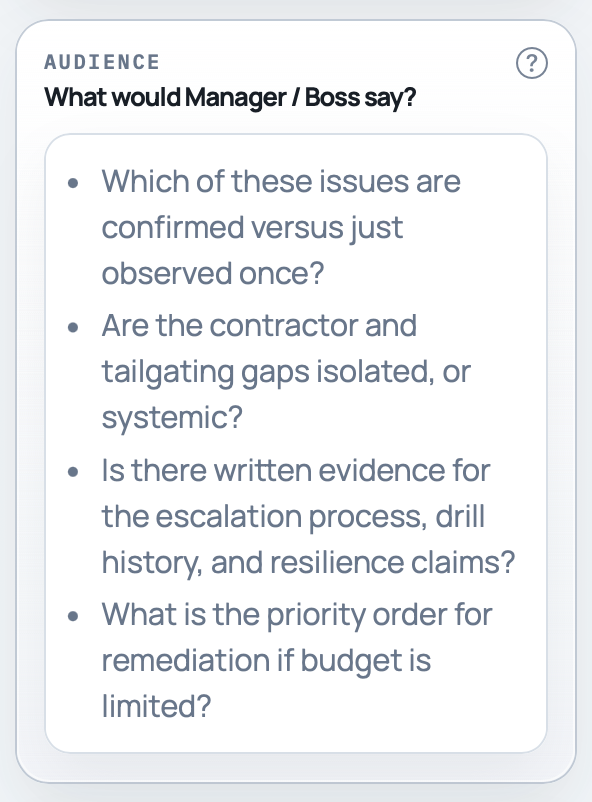
Need to check how this message will land?
Review the draft through a manager or colleague lens before it goes out.
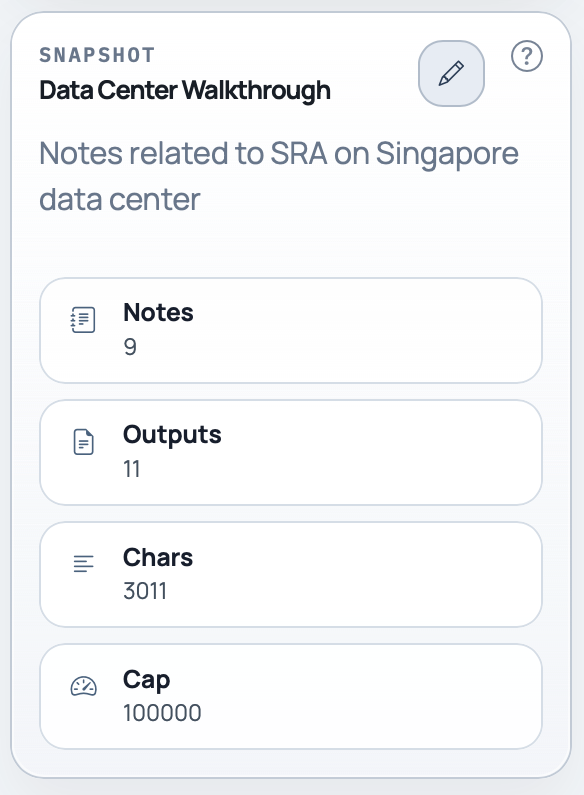
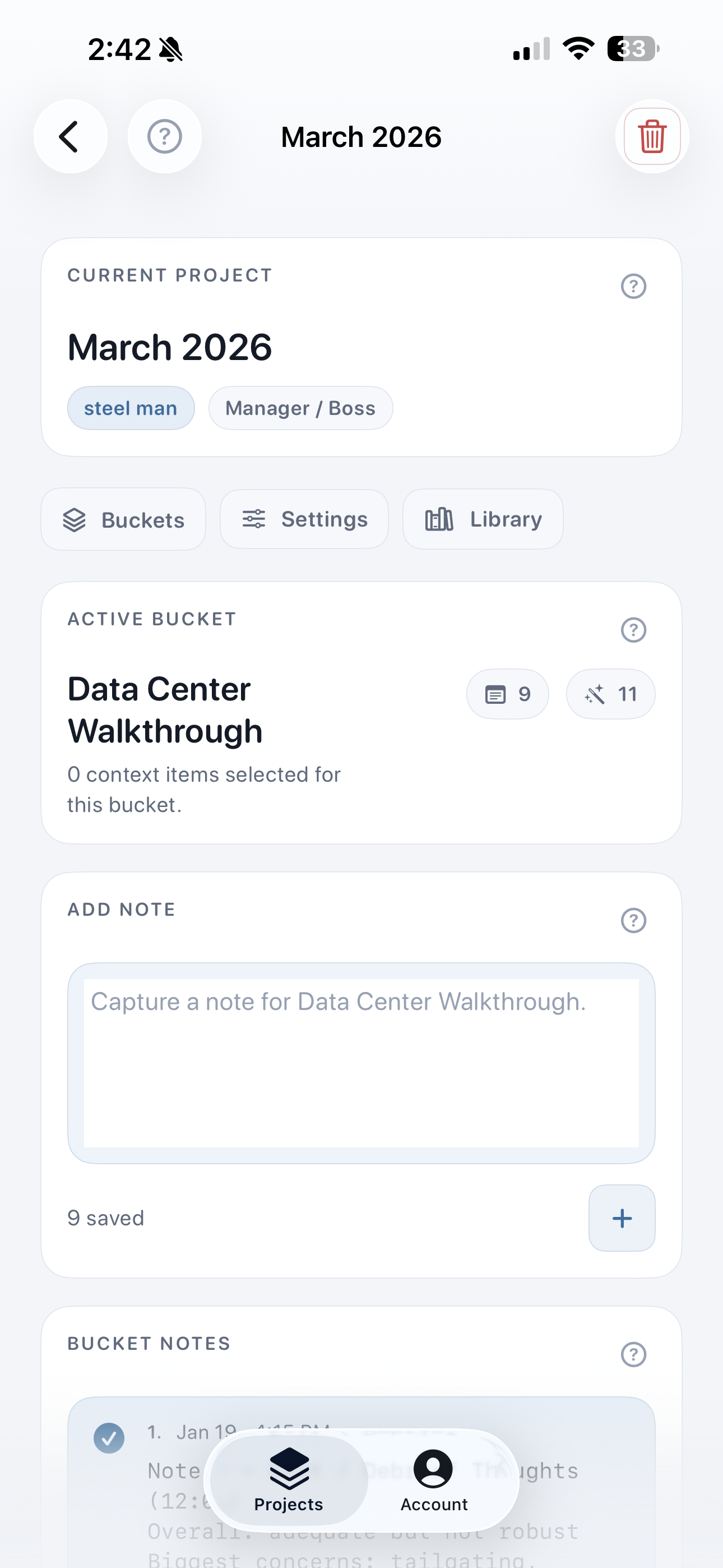
Keep the source notes in the bucket so the next revision starts from the actual material, not memory.
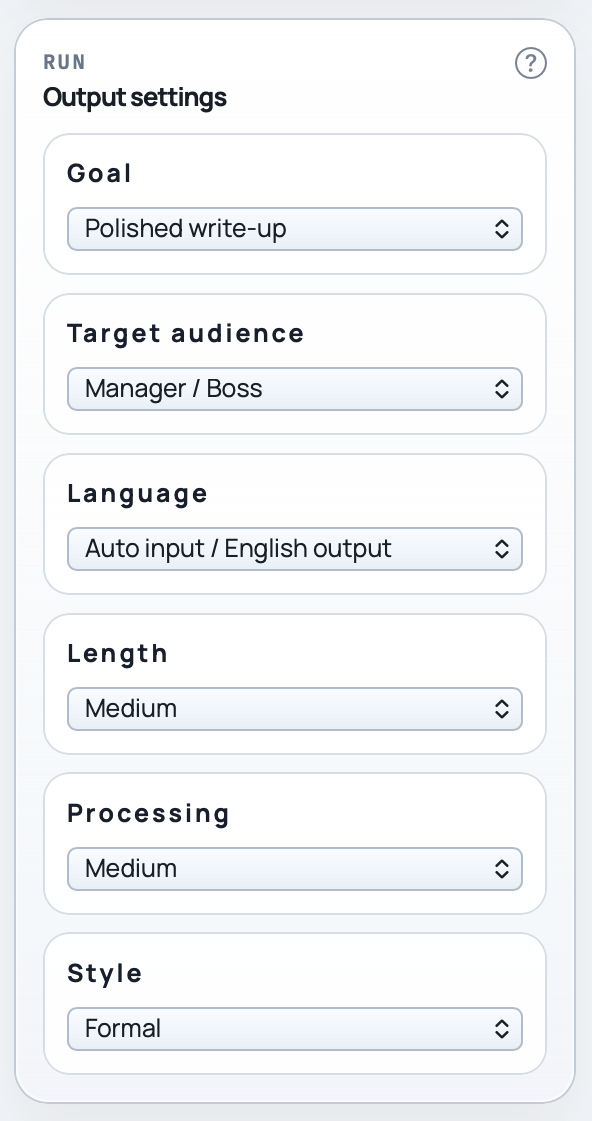
SteelPen is for founders, operators, analysts, researchers, consultants, and client-facing teams who need to collect source material, check claims, and draft clearer replies, briefs, and reports without starting from a blank prompt.
Start free to capture and organize source material. Upgrade when you want drafting, claim-checking, and deeper review.
Use SteelPen when you need to check a claim before replying, keep research threads separate, or turn saved notes into a clearer message, brief, or report.
Review the draft through a manager or colleague lens before it goes out.
Keep the source notes in the bucket so the next revision starts from the actual material, not memory.
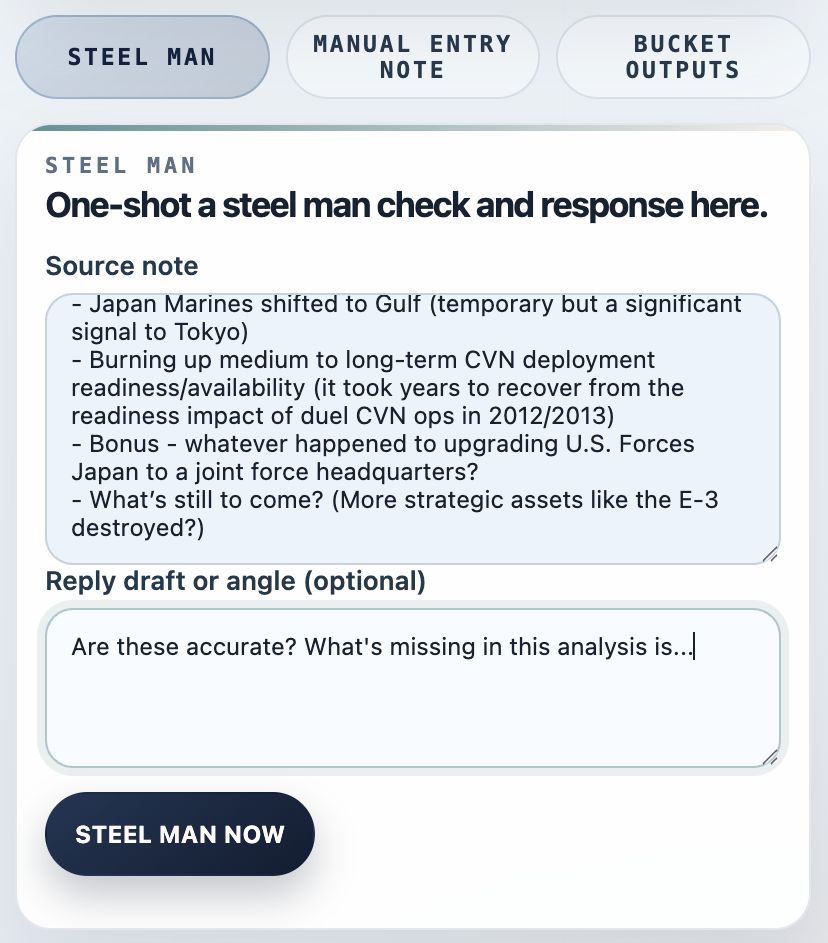
Pull the claim into SteelPen, run Steel Man, and tighten the reply before you post it.
Use it when you want the response grounded in saved source material instead of impulse.
On Force Multiplier, add context documents and generate into a structured format instead of rebuilding the outline by hand.
Attach writing samples when you want closer voice control without rewriting everything from scratch.
Collect notes as they happen by typing, talking, or pasting content in while the detail is still fresh.
Then turn the bucket into a cleaner draft when the moment to send or post actually arrives.
SteelPen keeps each thread tied to your saved notes, source material, and context. That makes it easier to check the claim, revisit the evidence, and draft from what you actually collected instead of whatever you can remember in the moment.
For long or involved work sessions, the web app offers maximum control and accessibility.
Type, dictate, or paste a thought as soon as it shows up. For Siri capture, the reliable phrase is “Add to SteelPen.”
Pull page text into SteelPen and run a fast claim check without leaving the tab you are on.
Capture the page. Check the claim. Return with a tighter response.
Open SteelPen on the watch, drop the note, and move on. Fast capture without opening the full app.
See something on social, paste the relevant claim or reply draft into SteelPen, run Steel Man, then respond.
SteelPen encrypts notes, outputs, workspace state, bucket state, writing samples, and uploaded context at the application layer before storage.